
Archive the full history of your projects
The complete history of your projects remains accessible at any time, without ever cluttering your boards.
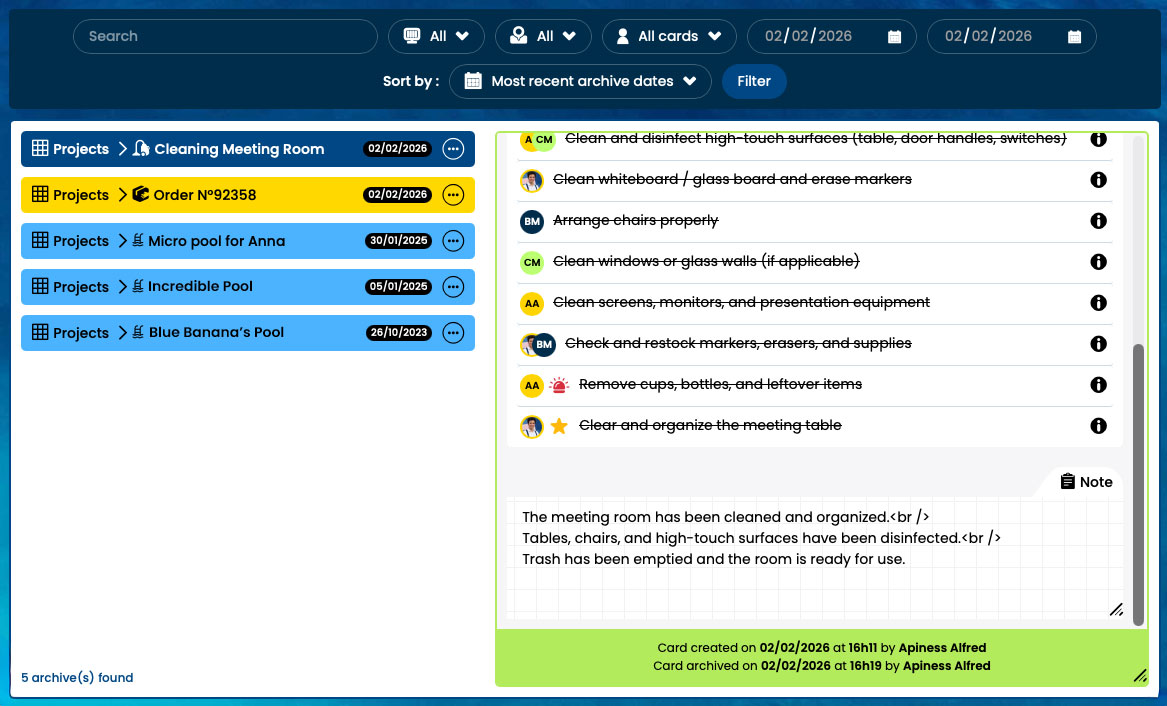
Archiving: the active, long-term memory of your projects
Otilus never decides for you. You choose whether to archive, delete, or export a project’s task log.
- Archiving doesn’t mean disappearing
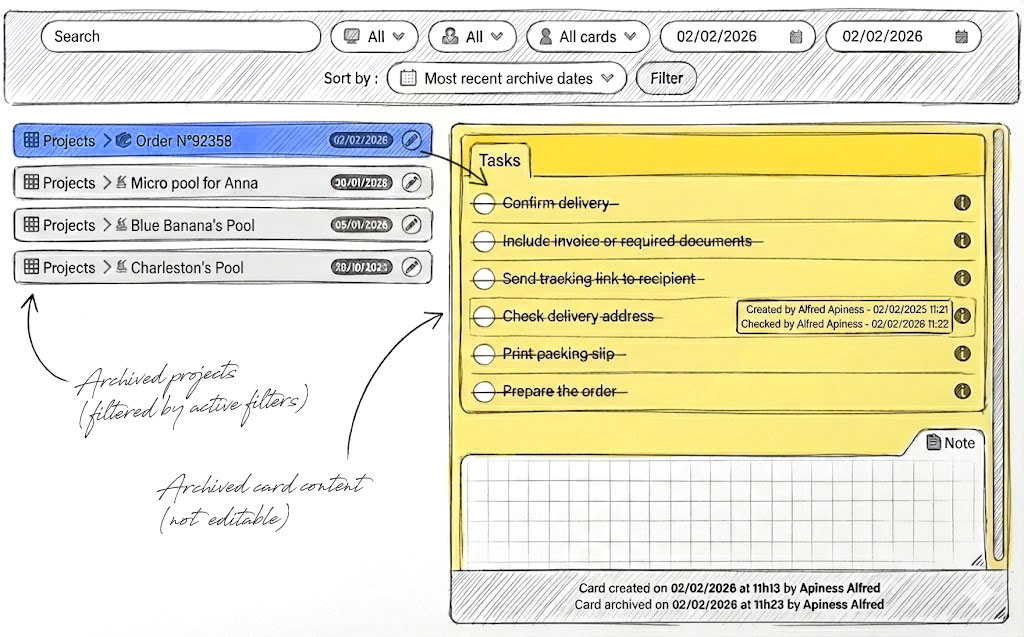
Archiving a card preserves its memory. The project leaves active boards, but its content remains accessible : steps, tasks, notes, and decisions stay available over time. - Find information even years later
Archived cards remain accessible at any time thanks to filtering tools. You can review a past project without ever disrupting your current organization.
- Full reversibility
An archived card can be restored at any time. It returns to a board even long afterward, allowing you to extend or revive an older project.
Export a project’s memory with the task log
Archiving is useful. But sometimes you need to preserve project history elsewhere.
- Download a project’s tasks. You can export the full “task log,” including the entire sequence of actions, phases, who did what and when, all in CSV format, readable and reusable in any spreadsheet.
- Project documents are also grouped and compressed, making them easy to archive on your computer or within your preferred environment. You keep a complete trace, independent from the tool, ready to be shared, analyzed, or preserved long term.
Structured deadlines and archives that endure
Otilus organizes your projects into phases guided by coherent deadlines. Each step triggers the right actions at the right moment while leaving a structured trace of progress.
Calendar synchronization ensures smooth coordination… and every decision, every milestone, feeds the project archive.
Automatic scenarios that structure action
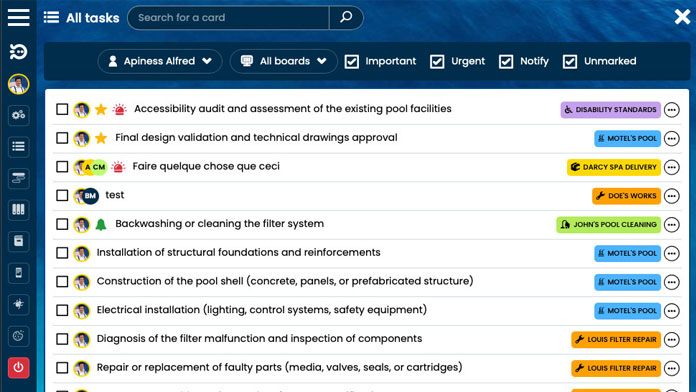
In Otilus, projects evolve through scenarios adapted to their nature and phase of progress. Tasks are assigned automatically at the right moment.
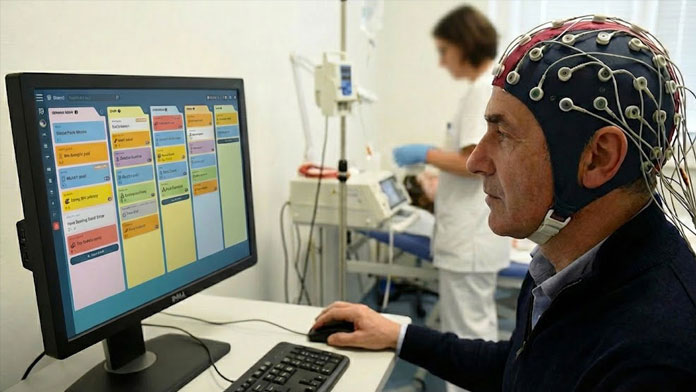
Kanban no longer just displays work : it organizes it, distributes tasks, and records each action in the project history.
Notifications to stay in control of the rhythm
Every important event triggers the right notification at the right moment, based on rules that you define.
Alerts are action-oriented and designed to avoid unnecessary noise. The actions that follow naturally become part of the project history.