
Project management for industrial teams
Coordinate on-site work and track inspections while keeping your production constraints in view.
No credit card required
A tool to coordinate your industrial projects
Keep a clear overview of your industrial projects, upcoming work and required inspections. At a production site, you need to coordinate several projects without losing track of technical instructions or letting a missing part delay an installation. Otilus helps you organise this work, from the initial request through to final inspection and project closure.
A piece of equipment is awaiting installation, maintenance work needs to fit into a production shutdown, and a recurring fault requires investigation. Technician availability, parts lead times and scheduled testing all create overlapping constraints. A project may seem ready while still needing an on-site survey, a decision from the production manager or the instructions required to carry out the work.
In Otilus, each card represents a project: replacing a conveyor, modifying a workstation or addressing a non-conformity. The columns show its phases. You can see which projects are being prepared, which are progressing on site and which are on hold. Card types categorise your projects so you can find Quality or Maintenance projects when preparing a team meeting.
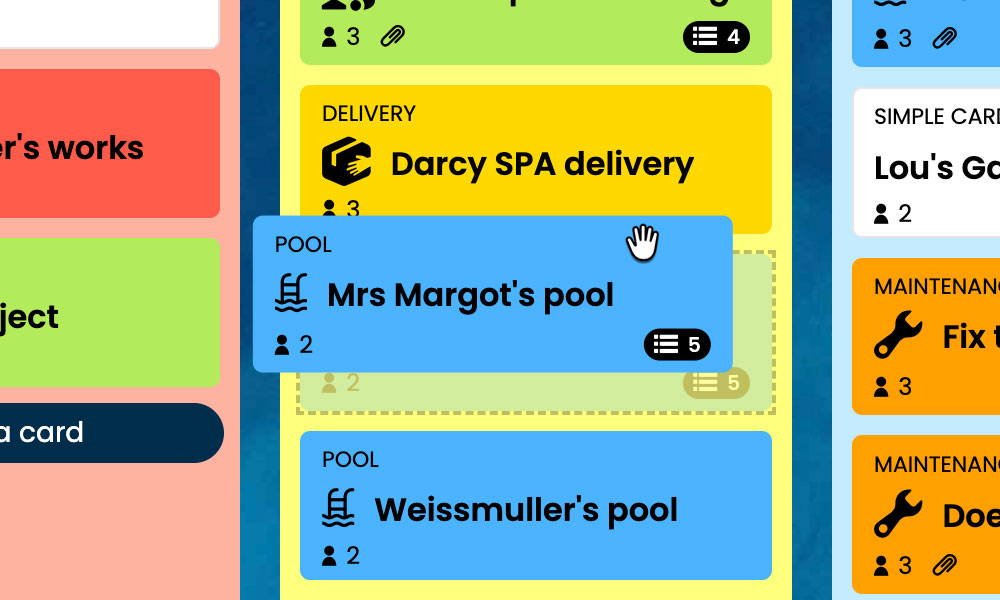
Kanban: Visualise your industrial projects and their progress, from request to inspection.
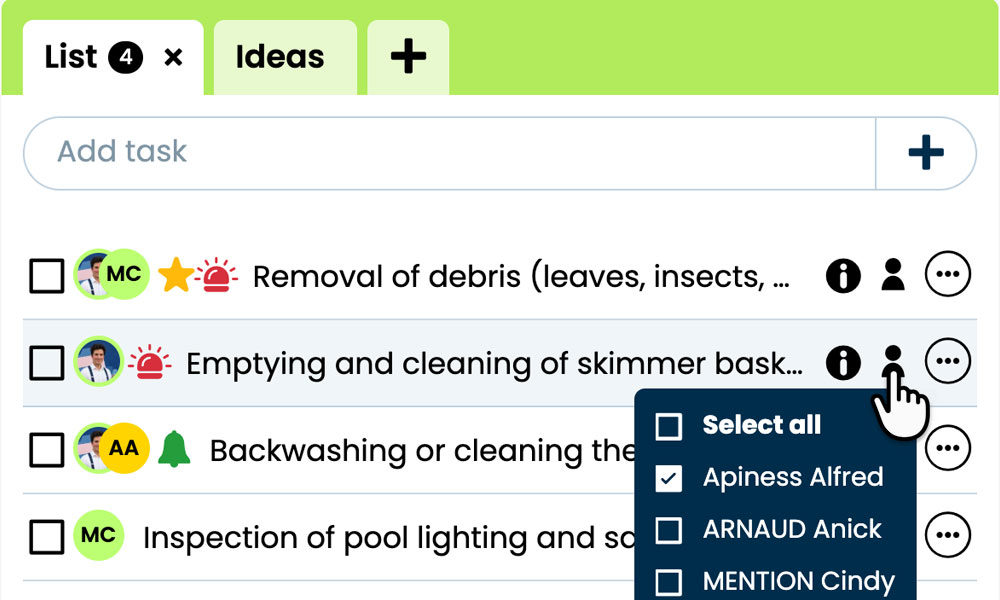
GTD: Keep each project's tasks, notes and files together to prepare the work.
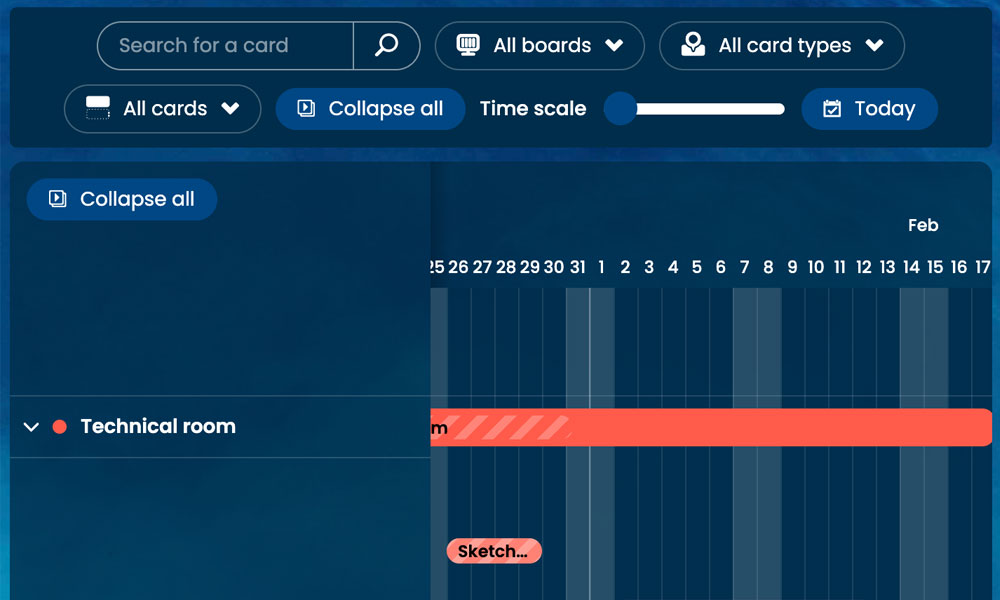
Gantt: See your project phases and deadlines in a timeline view.
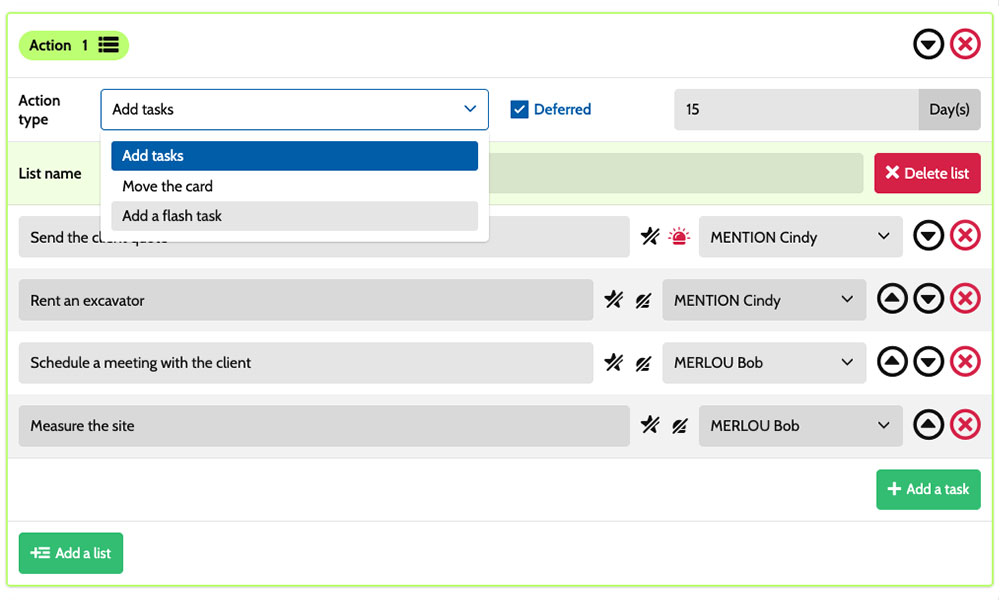
Workflow: Create tasks using automation scenarios tailored to industrial projects.

Inside each card, you detail the actions required:
take measurements, prepare the work, check connections or arrange functional testing. Task assignments clarify who is involved, while priorities help distribute the work across the relevant teams. Notes and attachments keep drawings, technical instructions and supporting documents together. You have a shared framework to coordinate production, maintenance and manufacturing engineering, while accounting for the constraints of each piece of equipment and each job.
An example board for your industrial projects
Here is an example of a customisable setup for an industrial site coordinating equipment modifications, on-site work and production improvements. Each card corresponds to a separate project, with its own tasks and documents. The five columns provide an overview of progress, while the six card types distinguish between project categories. You can adapt this organisation to your teams' responsibilities, shop floor constraints and the steps needed to prepare the work.
Phases that fit the way you work
In this example, the Requests, Engineering/preparation, In progress and Inspection/closure columns make progress visible. The On hold column keeps track of suspended projects awaiting a part, a production shutdown or a decision needed before work can resume.
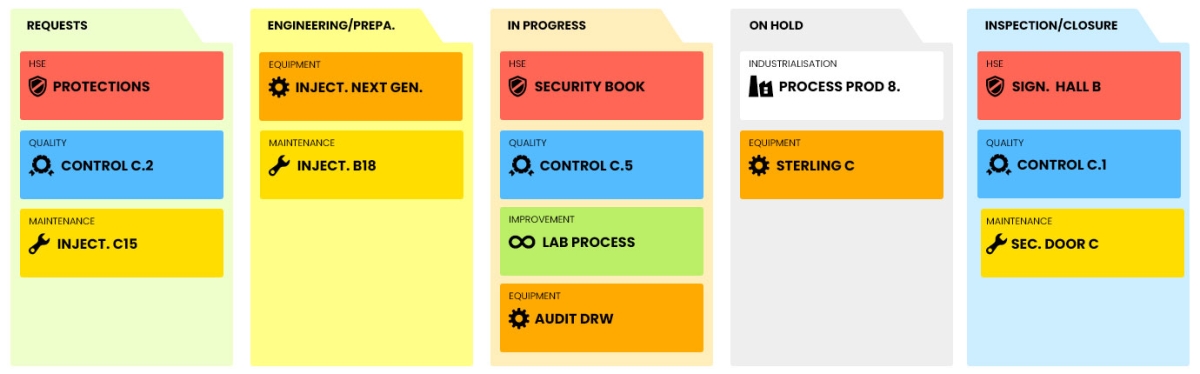
A few examples of project types: define your own!
- Improvement: projects to optimise workstations, production flows and working practices.
- Equipment: projects to purchase, replace or modify equipment.
- HSE: projects focused on risk prevention and environmental improvement.
- Quality: projects to address non-conformities and improve process reliability.
- Maintenance: projects to restore plant and equipment to working order.
- Industrialisation: projects to prepare manufacturing processes for production.
Scenarios and workflows:
customise your project automation
1️⃣ The trigger
A conveyor replacement is recorded in Requests, then assessed in Engineering/preparation. After reviewing installation constraints and choosing a time slot for the work, the technical manager moves its card to In progress to organise the job.
You can configure a scenario for the Equipment type that runs when a card enters the In progress column. This combination of card type and entry into the column triggers the creation of the predefined tasks. You specify the actions to prepare, their assignees and their priorities according to the conveyor's constraints and the organisation of the site teams.
2️⃣ The actions (workflow)
Otilus automatically creates the tasks defined in your scenario:
- prepare the work area
- remove the existing conveyor after lockout/tagout
- install and connect the conveyor
- carry out testing before production resumes.
These actions are assigned to the people you select:
the production manager for the work area, the technicians for the replacement and the maintenance manager for testing. You customise this workflow according to the skills available and the constraints of the job.
3️⃣ The result
The conveyor replacement moves into execution with clear responsibilities. Everyone involved can find their tasks, drawings and instructions to prepare and carry out their work.
The technical manager tracks outstanding tasks and identifies issues to address before the final inspections.
The team carries out the work and records relevant observations. When the installation is ready for inspection, the manager manually moves the card to Inspection/closure. If a part is missing, they move the project to On hold to make the delay visible and prepare for work to resume with the people involved.
A setup tailored to technical teams at industrial sites
This board can also suit a manufacturing engineering department, an industrial maintenance team, a capital projects team, a manufacturing workshop or a production engineering department. These teams all rely on technical preparation, coordinated work, availability constraints and inspections before closure. Card types can reflect the project categories managed by each department. The phases can be adjusted to their engineering, preparation and execution stages, taking production shutdowns and the resources needed on site into account.
Organise your on-site work, equipment modifications and inspections on a board tailored to your site's projects.
No credit card required