
Project management for holiday rental management companies
Coordinate property services and prepare each home while keeping upcoming guest arrivals in view.
No credit card required

Coordinate your holiday rental management services
Coordinate property services, staff visits and owners’ requests while keeping upcoming guest arrivals in view. In holiday rental management, several jobs move forward at once, with keys to collect, instructions to pass on and properties to prepare. Otilus helps you assign this work, from the initial request through to the final checks for each service.
An apartment needs cleaning between stays, a house requires regular checks while its owner is away, and a new property is awaiting its first full preparation. Unavailable keys, missing linen and repairs awaiting approval can all delay a visit. A job may appear ready to proceed while access instructions or confirmation of a contractor’s visit are still missing.
In Otilus, each card represents a project: a one-off clean, full-service management or onboarding a property. Columns show its stages. You can see which jobs need organising, which are underway and which are on hold. Card types distinguish your services so you can prepare visits, assign responsibilities and track each property with its instructions and deadlines.
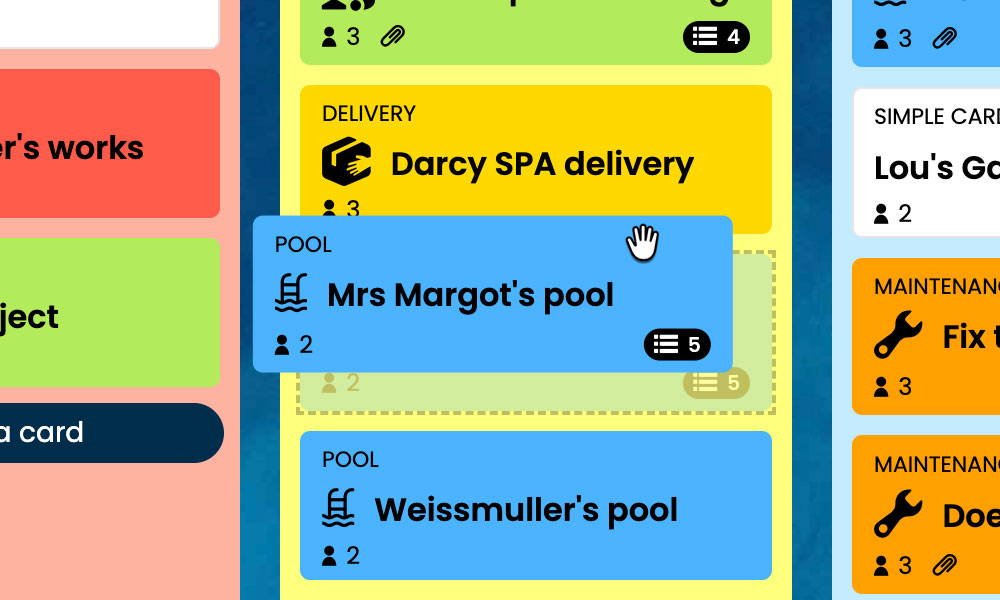
Kanban: Visualise your jobs and their progress, from request to completion.
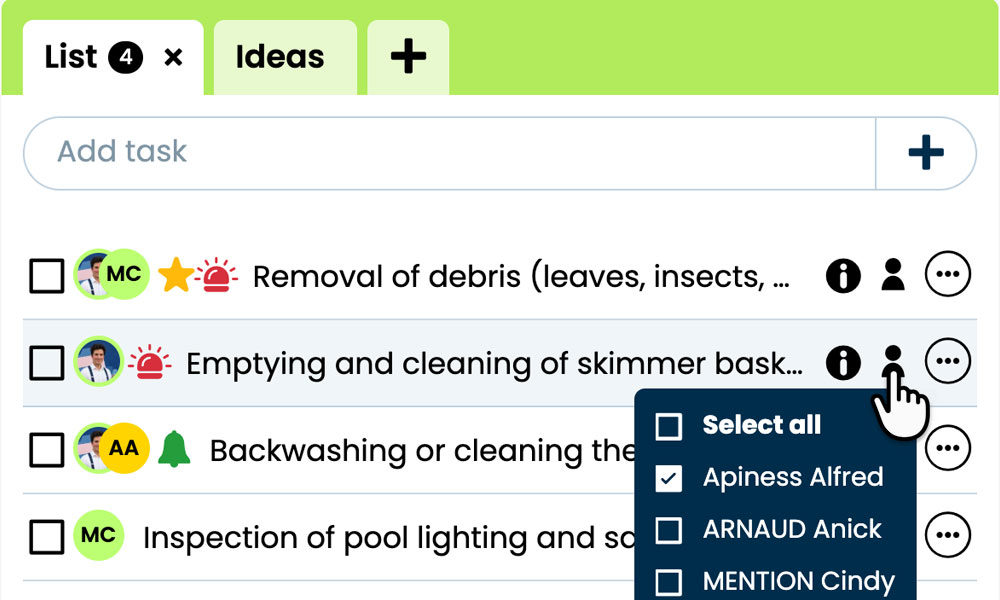
GTD: Keep each service’s tasks, notes and files together to prepare property visits.
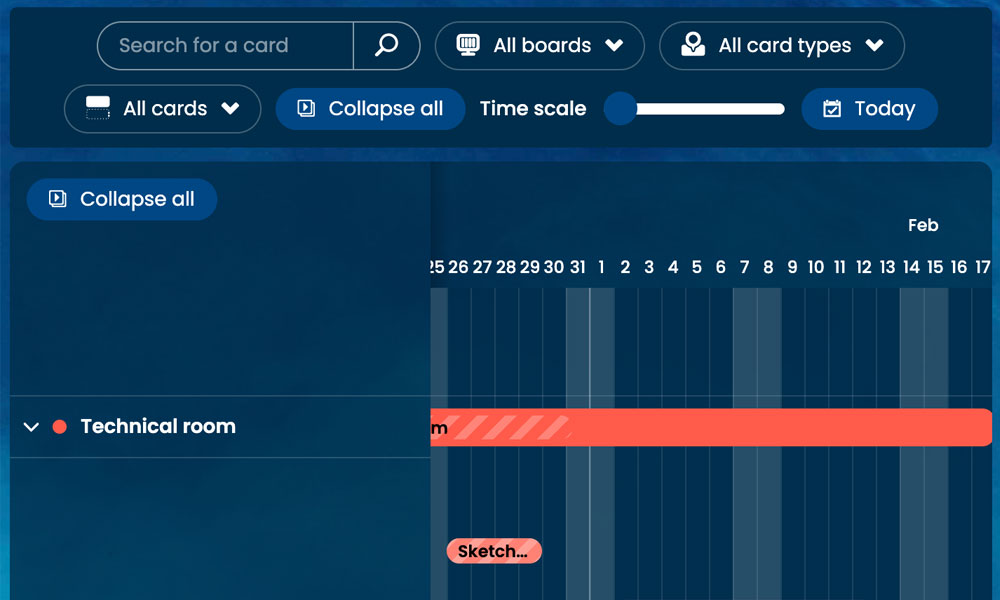
Gantt: View service stages and deadlines on a shared timeline.
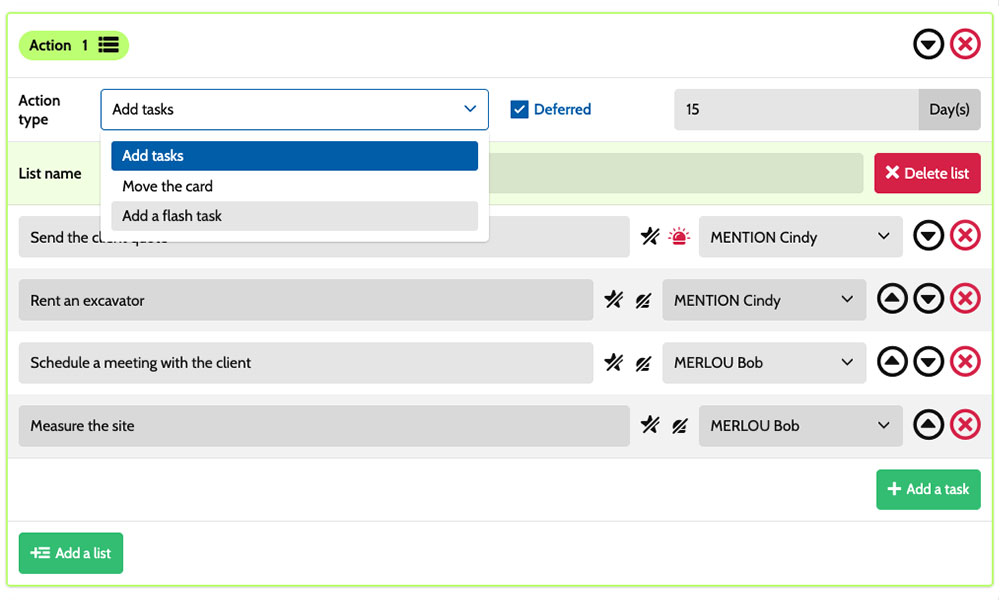
Workflow: Set up tasks using scenarios tailored to your services.
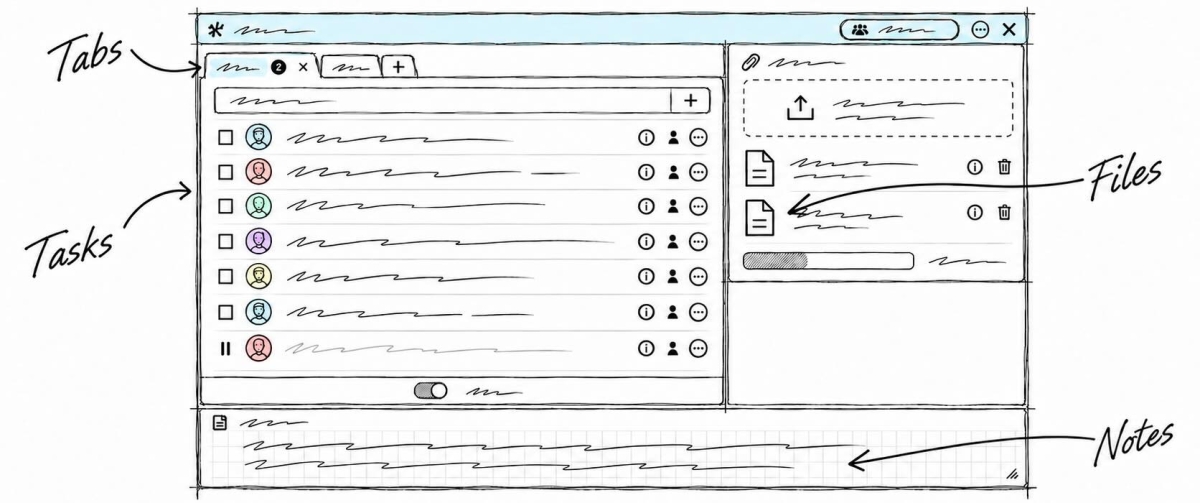
Inside each card, you detail the actions required:
collect the keys, prepare the linen, clean the property or check the equipment before guests arrive. Task assignments show who is responsible, while priorities and deadlines help coordinate visits. Notes and attachments bring together the owner’s instructions, access details and useful documents. You share a working framework with cleaners, contractors and the property manager, tailored to each property.
An example board for tracking your services
Here is an example of a customisable setup for a holiday rental management company supporting owners and organising services at their properties. Each card represents a separate job, with its own tasks, notes and deadlines. The five columns make progress visible, while the six card types distinguish your services. You can adapt this structure to your properties, the staff and contractors involved, and the reporting arrangements agreed with owners for each assignment.
Stages that reflect how you work
In this example, the Request, Scheduling, Service delivery and Completion columns show the progress of jobs assigned to your team. The On hold column keeps paused services visible while you wait for keys, the owner’s approval or equipment.

A few examples of project types: define your own!
- One-off cleaning: cleaning a holiday rental property as an occasional service.
- Full-service management: managing a stay from initial preparation through to completion.
- Property care : looking after a property while its owner is away.
- Property onboarding: preparing a property for management.
- Property restoration: restoring a property following damage.
- Other services : services tailored to property owners’ needs.
Scenarios and workflow:
customise your project automation
1️⃣ The trigger
A full-service management job for an apartment is recorded in Request, then organised in Scheduling. Once the stay dates and access arrangements are confirmed, the manager moves its card to Service delivery to prepare the property.
You can configure a scenario for the Full-service management type when a card enters the Service delivery column. This combination of card type and entry into the column triggers the creation of the planned tasks. You choose the actions to prepare and who is responsible, based on the property’s needs, the owner’s instructions and your usual working practices.
2️⃣ The actions (workflow)
Otilus automatically creates the tasks defined in the scenario:
- collect the required keys
- clean the rooms before each arrival
- prepare the linen for incoming guests
- check the equipment and report any issues to the manager.
These actions are assigned to the selected team members:
the coordinator handles the keys, the cleaner takes care of cleaning and linen, and the maintenance lead checks the equipment. You customise tasks, assignees and priorities for each property.
3️⃣ The result
The full-service management job moves into Service delivery with tasks assigned. Each team member can find the property’s access instructions, notes and files, then tick off completed actions.
The manager can identify the remaining work and checks required before marking the service as complete.
The team carries out the work and inspects the property. Once the service is finished and the final checks are complete, the manager manually moves the card to Completion. If keys remain unavailable, they move the job to On hold so everyone involved can see why it is waiting.
An approach suited to property service businesses
This board can also suit a holiday rental cleaning company, a second-home care service, a guest welcome team or a holiday cottage maintenance provider. These businesses coordinate requests, property