
Project management for building contractors
Coordinate your teams and prepare site work while keeping project deadlines in sight.
No credit card required
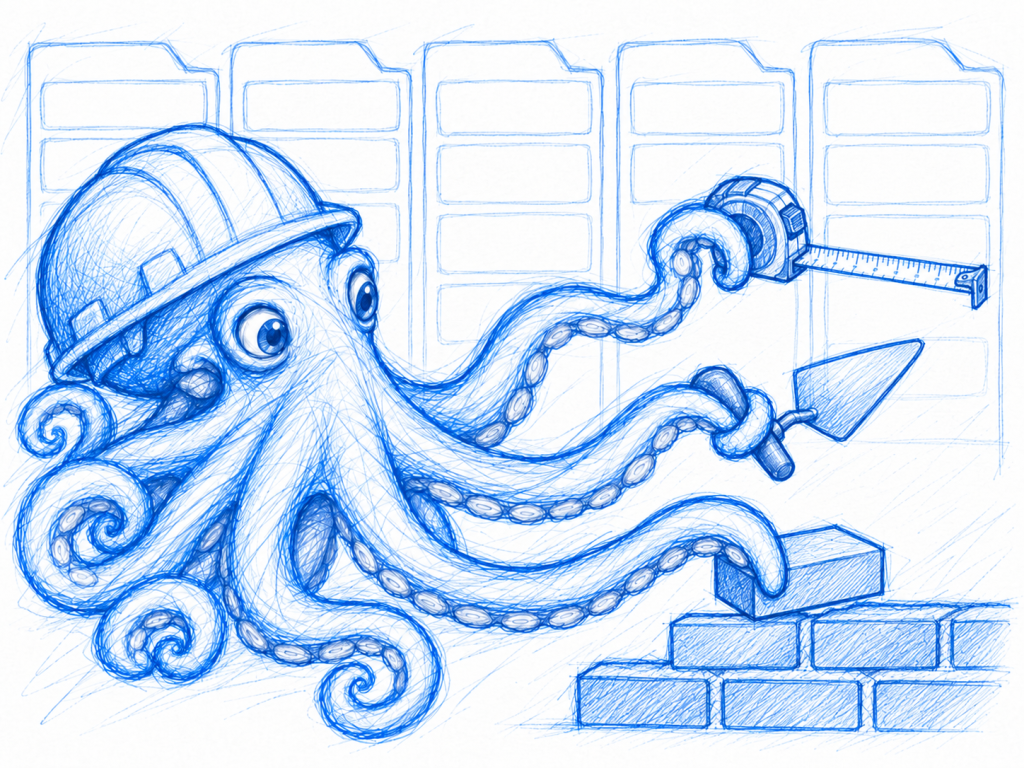
A tool to coordinate your construction teams
Keep a clear view of your building projects, scheduled site work and upcoming handovers. As a building contractor, you need to coordinate several projects without losing information or letting a supply delay hold up an entire team. Otilus helps you organise this work, from the initial assessment through to final inspections and completion on site.
A renovation is waiting for window measurements, a new build needs a delivery of materials, and a repair visit requires access to the property. Between late drawings, tradespeople’s availability and additional requests from the owner, dependencies soon build up. A project may seem ready to start while a supplier’s confirmation or essential technical information is still missing.
In Otilus, each card represents a project: a house build, a renovation or a permit application. Columns show its stages. You can quickly identify projects being prepared, active sites and work that is on hold. Card types distinguish your services, making it easy to find maintenance jobs or technical assessments when preparing a progress review with the relevant site managers.
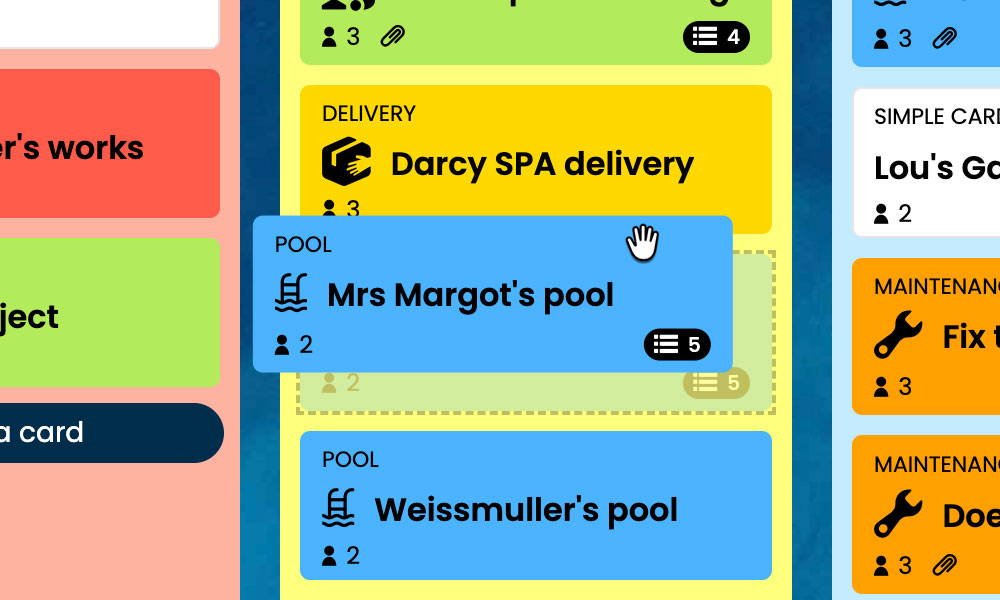
Kanban: Visualise your building projects and their progress, from the initial assessment to final inspections.
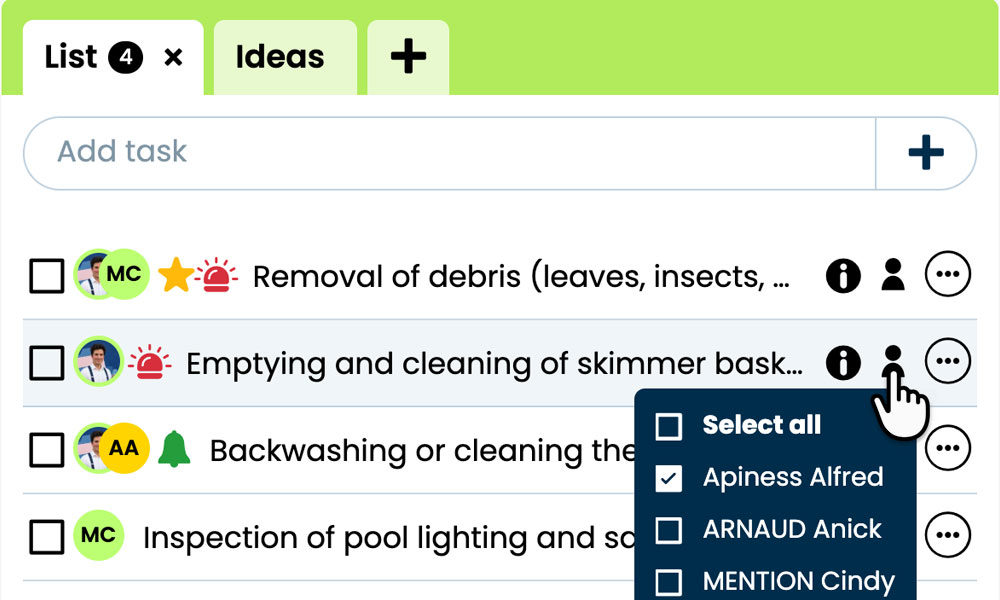
GTD: Organise each project’s tasks, notes and files so you can find the information you need.
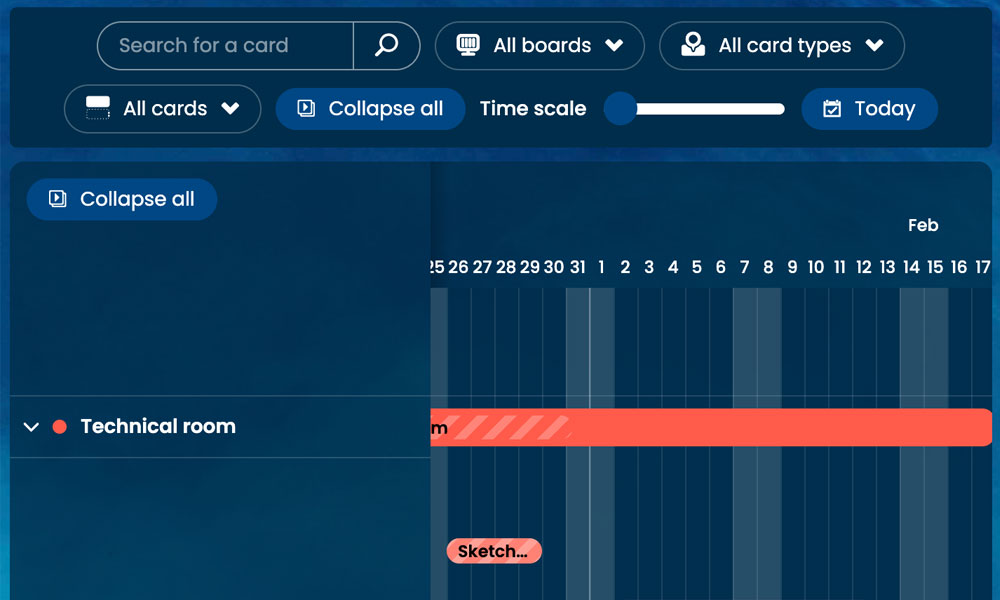
Gantt: View project phases and deadlines together on a single timeline.
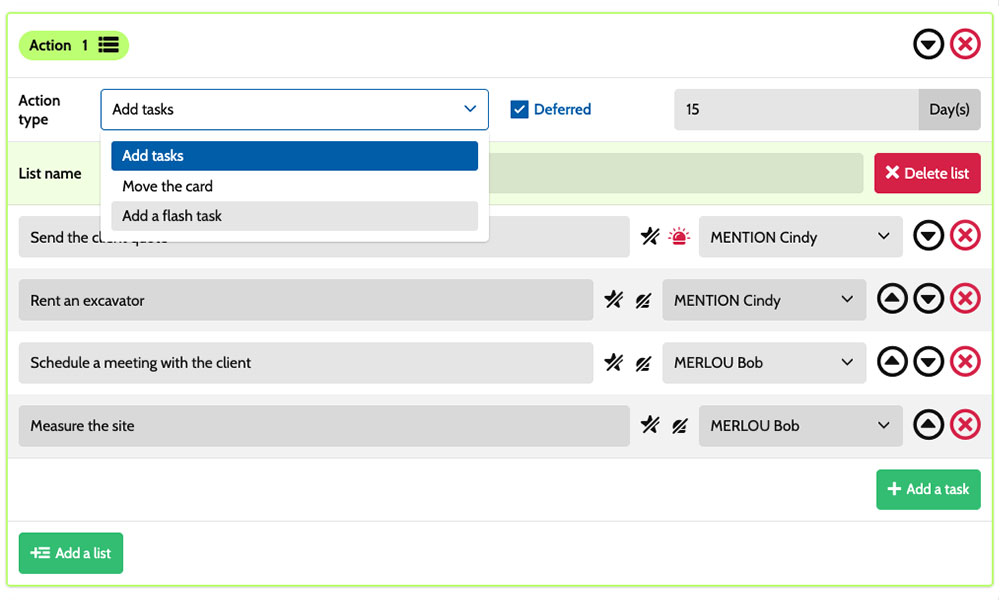
Workflow: Automatically create tasks based on the project type and stage.

Inside each card, you set out the tasks :
take measurements, arrange supplies, install equipment or check finishes. Task assignments make it clear who is responsible, while priorities distinguish urgent work from less pressing preparations. Notes and attachments bring together drawings, installation instructions and useful site documents. You have a shared framework for coordinating site managers, tradespeople and administrative staff while retaining the specific requirements of each project.
An example board for tracking your building projects
Here is a customisable example setup for a building contractor handling new builds, renovations and work on existing buildings. Each card represents a separate site project or application, with its own tasks and deadlines. Five columns make progress visible, while six card types distinguish the services provided. You can adapt their names to your organisation, your teams’ specialisms and the way you coordinate the people involved.
Stages that reflect how you work
In this example, the Assessment/estimating, Planning, On-site work and Completion columns show each project’s progress. The On hold column keeps suspended projects visible while they await materials, access to the premises or a decision.
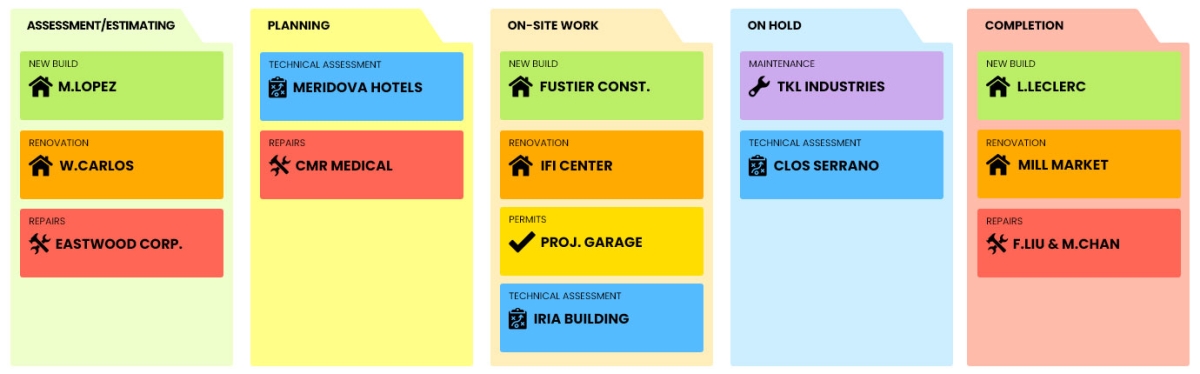
A few example project types: define your own!
- New build: construction of new buildings, from preparation through to completion.
- Renovation: alterations to existing buildings, interior refurbishment or exterior improvements.
- Repairs : one-off work to resolve a fault in a building.
- Technical assessment: preliminary analysis of a proposed construction solution.
- Permits: applications for the permissions required for a project.
- Maintenance : preventive or corrective maintenance of installed equipment.
Scenarios and workflow:
customise your project automation
1️⃣ The trigger
A bathroom renovation is assessed in Assessment/estimating, then scheduled in Planning. Once supplies and access to the property are confirmed, the site manager moves its card to On-site work to start the job.
You can configure a scenario for the Renovation card type when it enters the On-site work column. This combination triggers the creation of the predefined tasks. You choose the tasks to prepare and who will be responsible, based on your company’s organisation, the fixtures to be replaced and the constraints of the property where the team will be working.
2️⃣ The actions (workflow)
Otilus automatically creates the tasks defined in the scenario:
- protect the areas and fixtures being retained
- remove the old fixtures and surface finishes
- install the new bathroom fixtures
- check the connections and inspect all completed finishes.
These tasks are assigned to the chosen team members:
the team leader handles protection, the plumber installs the fixtures and the site manager carries out the inspection. You customise the tasks, assignees and priorities to suit your organisation.
3️⃣ The result
The renovation starts with clearly defined tasks and responsibilities. Each team member can find their tasks, instructions and relevant drawings in the card for that project.
The site manager can see which tasks remain before the scheduled handover to the property owner.
The team carries out the work and checks it on site. After the inspections, the person responsible manually moves the card to Completion. If a fixture is missing, they move the project to On hold to make the delay visible and retain the information needed to resume work.
An approach suited to different building trades
This board can also suit a plumbing company, an electrician, a joiner, a heating contractor or a painting team. These trades all involve site visits, technical preparation, supplies and coordination with occupants or other trades. Card types can use the suggested categories according to the services provided. The stages can be adapted to the way each trade prepares, schedules and checks its work, with an On hold column for projects blocked by unavailable access or missing equipment.
Organise your building projects, site work and handovers on a board tailored to construction teams.
No credit card required