
Project management for engineering consultancies
Coordinate engineering studies and track calculations while keeping deadlines in sight.
No credit card required
A tool to coordinate your engineering studies
Keep a clear overview of ongoing studies, outstanding input data and reports to deliver. In an engineering consultancy, you need to coordinate projects without losing track of assumptions or letting missing information delay calculations. Otilus helps you organise the work, from the client's initial request through to the delivery of project outputs and administrative follow-up.
A geotechnical study awaits site investigation results, structural design requires updated drawings, and a thermal study depends on material specifications. With data arriving in stages, assumptions to clarify and discussions with architects, dependencies build up. A report may appear ready while still lacking a technical check or an essential piece of information needed for completion.
In Otilus, each card represents a project: a ground investigation, a structural design study or an energy assessment. Columns show its phases. You can immediately identify projects under analysis, those requiring calculations and those on hold. Card types distinguish your services, making it easy to find thermal or geotechnical studies when preparing a team review.
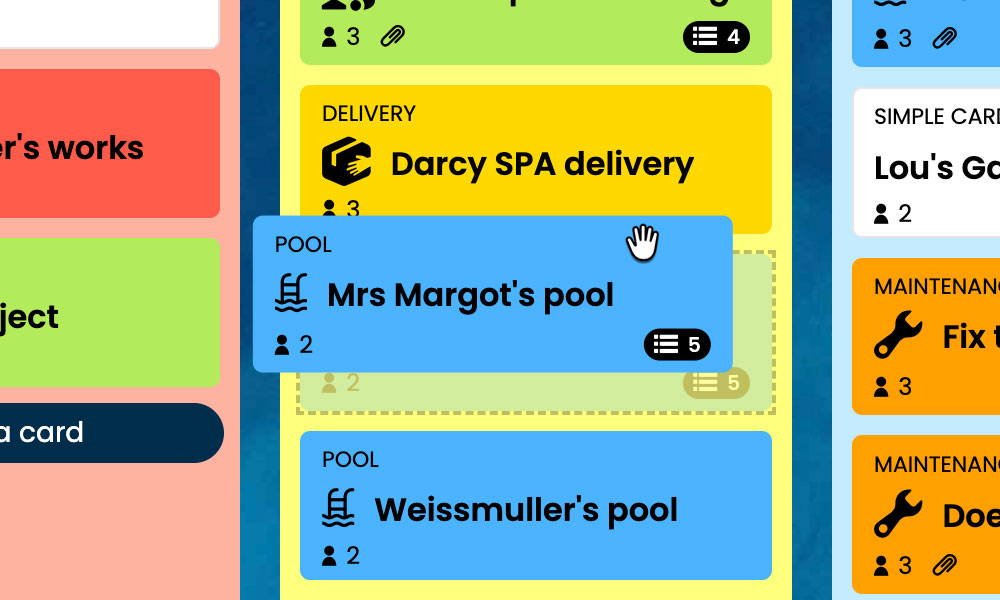
Kanban: Visualise your studies and their progress, from the initial request to the required deliverables.
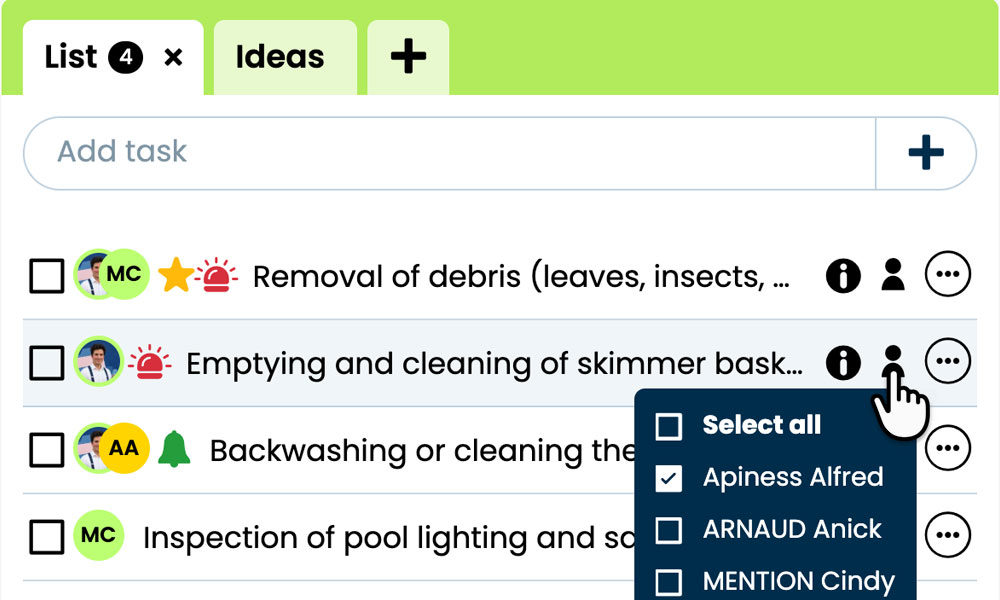
GTD: Organise each study's tasks, notes and files to keep information easy to find.
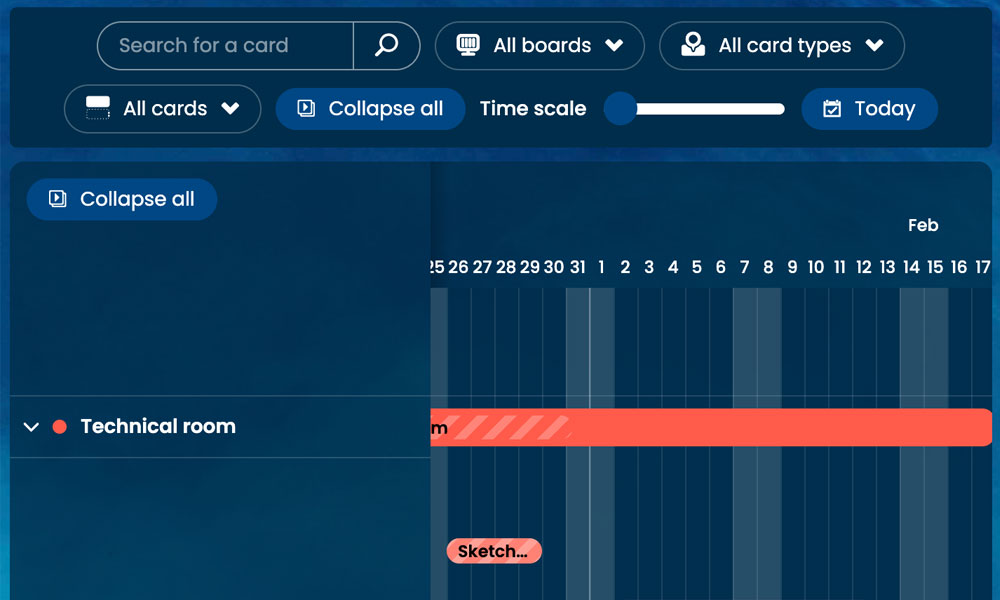
Gantt: Track study phases and deadlines on a shared timeline.
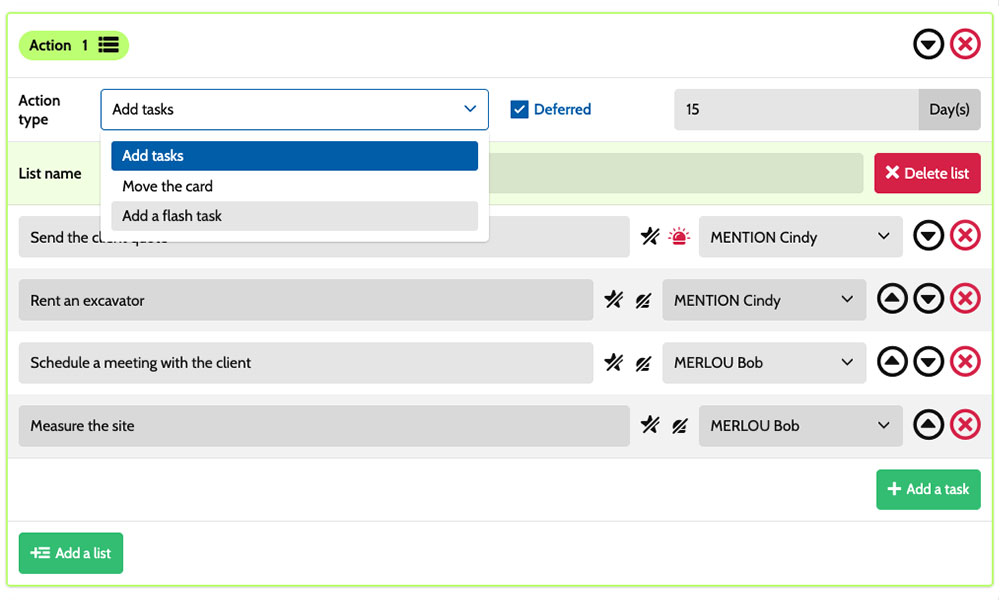
Workflow: Create tasks using scenarios tailored to your engineering studies.
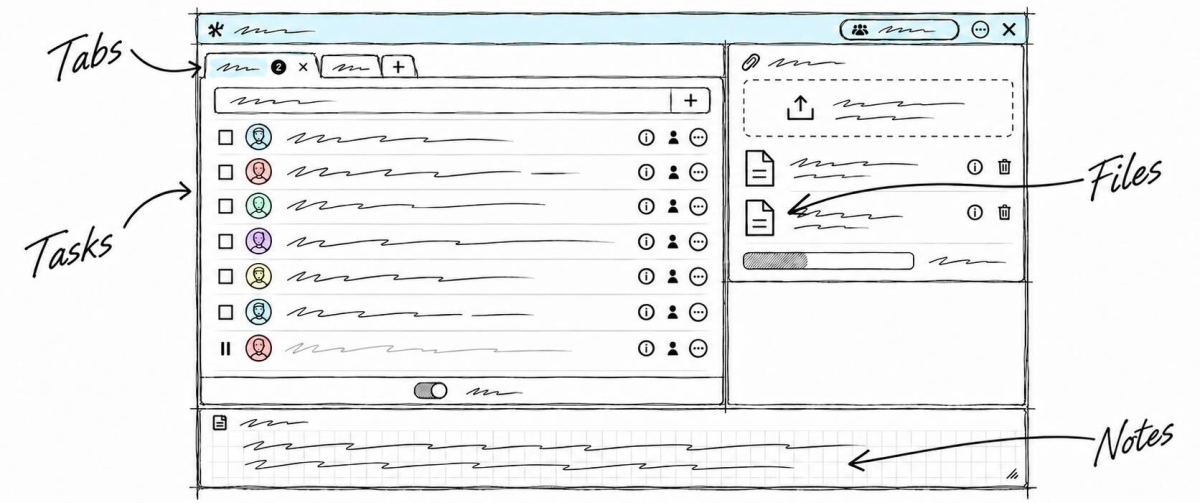
Inside each card, you detail the work to be done:
gather input data, clarify assumptions, perform calculations or prepare the technical report. Task assignments make responsibilities clear, while deadlines help you schedule the work around the expected delivery date. Notes and attachments bring together drawings, measurement results and supporting project documents. You have a shared framework for coordinating engineers, technicians and project leads while retaining the specific requirements of each assignment.
An example board to track your projects
Here is a customisable configuration example for an engineering consultancy working on ground conditions, structures or building performance. Each card corresponds to a separate assignment, with its own tasks and deadlines. The five columns provide an overview of progress, while the six card types distinguish the services you provide. You can adapt their names to your organisation, your team's expertise and the way you track projects.
Phases that match the way you work
In this example, the Request, Analysis/study, Modelling/calculations and Deliverables/invoicing columns show how projects progress through to delivery. The On hold column keeps suspended studies visible while they await data, test results or a technical decision.

Some example project types: define your own!
- Geotechnical study: soil characterisation and analysis of a site's geological conditions.
- Structural design study: analysis and design of a structure's load-bearing elements.
- Thermal performance study: analysis of a building's thermal behaviour.
- Energy assessment: evaluation of energy consumption and opportunities for improvement.
- Roads and utilities design: design of roads and utility networks.
- Other study: technical expertise covering other specialist fields.
Scenarios and workflow:
customise your project automation
1️⃣ The trigger
A building extension is logged under Request, then assessed in Analysis/study. After reviewing the drawings and assumptions, the project lead moves its card to Modelling/calculations to prepare the design of the project's load-bearing elements.
You can configure a scenario for the Structural design study type when a card enters the Modelling/calculations column. This combination triggers the creation of the predefined tasks. You choose the work to prepare, the assignees and the priorities to suit your organisation. The scenario supports the start of calculations for this extension, based on the agreed assumptions.
2️⃣ The actions (workflow)
Otilus automatically creates the tasks defined in the scenario:
- prepare the structural model
- enter loads and load combinations
- size the beam sections
- check the results and prepare the calculation report.
These actions are assigned to the selected team members:
the technician handles the model, the structural engineer handles loads and member sizing, and the project lead checks the work. You customise the tasks, their assignees and their priorities.
3️⃣ The result
The extension study has clearly defined tasks and responsibilities. Each team member can find their assignments, the agreed assumptions and the relevant drawings, then mark completed tasks.
The project lead can identify the calculations and checks still required before delivering the technical documentation.
The team retains control over technical decisions and checks. After reviewing the calculation report, the project lead manually moves the card to Deliverables/invoicing. If a drawing is missing, they place the study On hold to make the dependency visible before resuming the planned work.
An approach tailored to building engineering professionals
This board can suit a building engineering consultancy, a design management team, a building services consultancy, an acoustics specialist or an environmental engineering practice. These activities share a need to analyse input data, liaise with designers, perform technical checks and deliver reports or drawings. Card types can reflect their areas of expertise: building services systems, acoustic assessments or environmental studies. The phases can be adjusted to match their analysis, calculation, checking and reporting stages.
Organise your studies, calculations and reports on a board tailored to your engineering consultancy.
No credit card required