
Project management for property transaction professionals
Coordinate viewings and keep your transactions moving while tracking outstanding documents.
No credit card required

A tool to coordinate your property transactions
Keep a clear overview of listed properties, scheduled viewings and pending files. In an estate agency, several transactions progress simultaneously, involving owners, buyers and tenants with different availability. Otilus helps you assign tasks and find the information you need to manage each transaction, from the initial agency instruction through to final negotiations.
An apartment is awaiting the seller’s property survey reports, commercial premises have attracted several viewing requests, and a letting is on hold because supporting documents are missing. Between reports to send, documents received and occupants’ availability, pending actions build up. A file may appear ready even though property information or a response from the owner is still needed before discussions can continue.
In Otilus, each card represents a project: the sale of an apartment, the letting of an office or the marketing of retail premises. Columns show its stages. You can identify transactions at the viewing stage, those whose documents are being reviewed and those awaiting a response. Card types distinguish your services, helping you find sales and lettings when preparing your progress meeting.
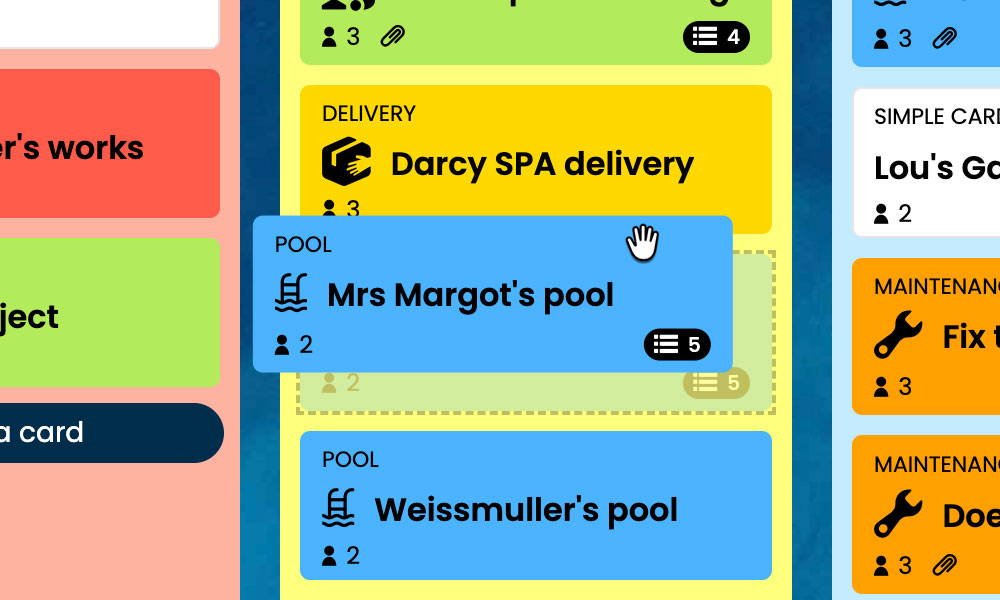
Kanban: Visualise your transactions and their progress, from the initial instruction through to negotiations.
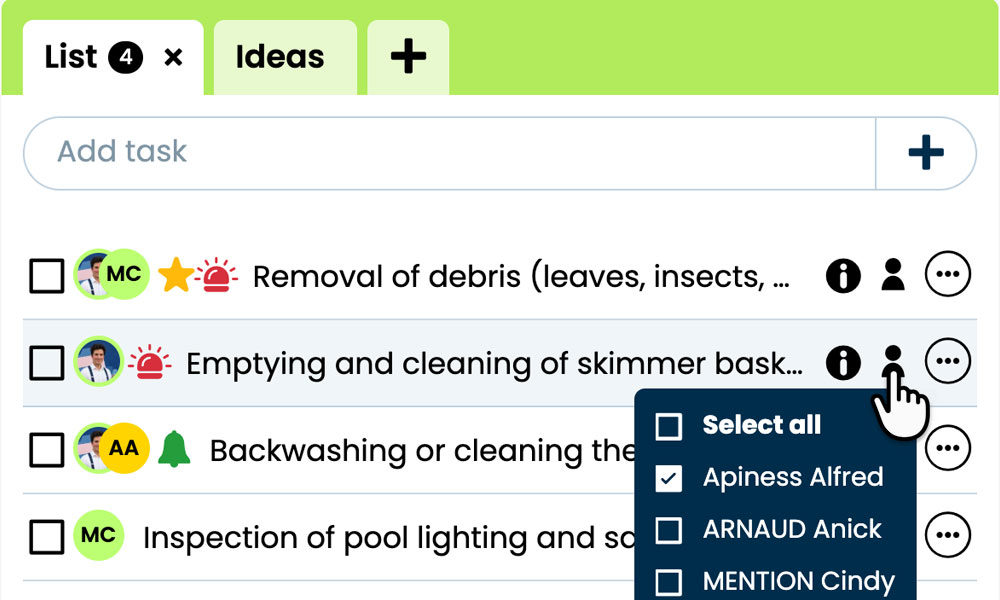
GTD: Organise each transaction’s tasks, notes and files to find the information you need.
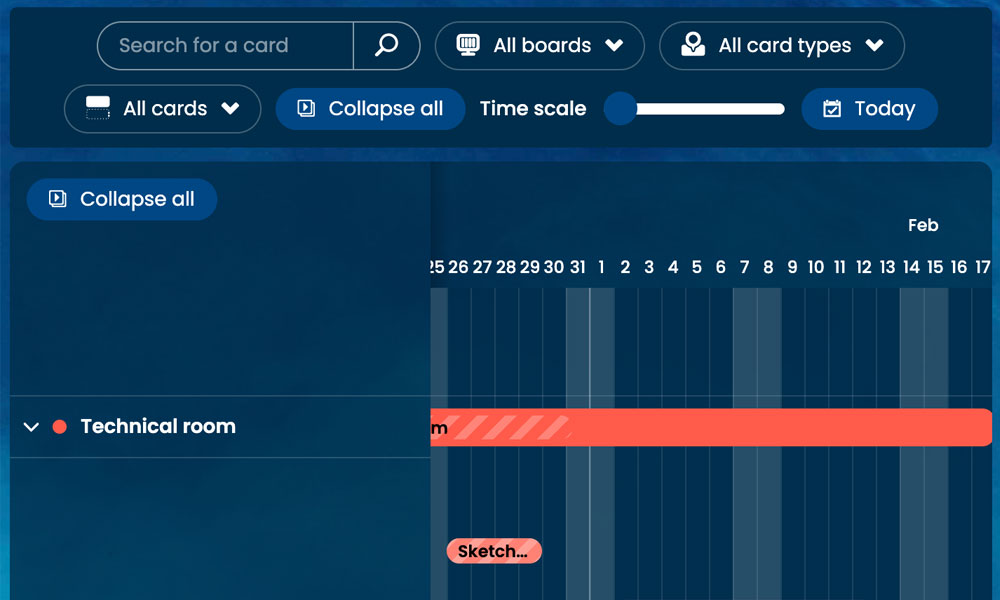
Gantt: View the stages and deadlines of your transactions on a timeline.
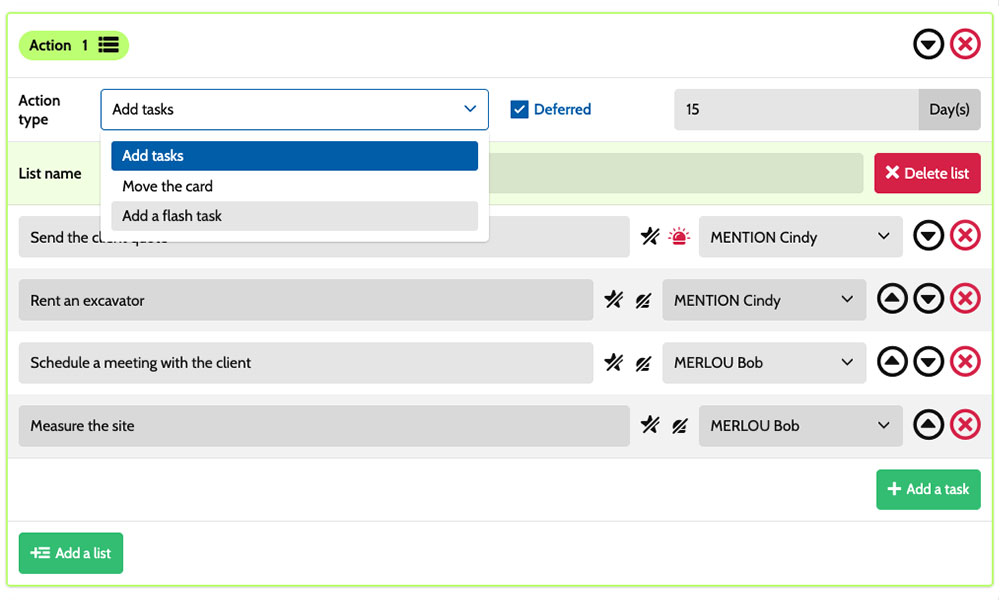
Workflow: Automatically create tasks tailored to different types of property transactions.
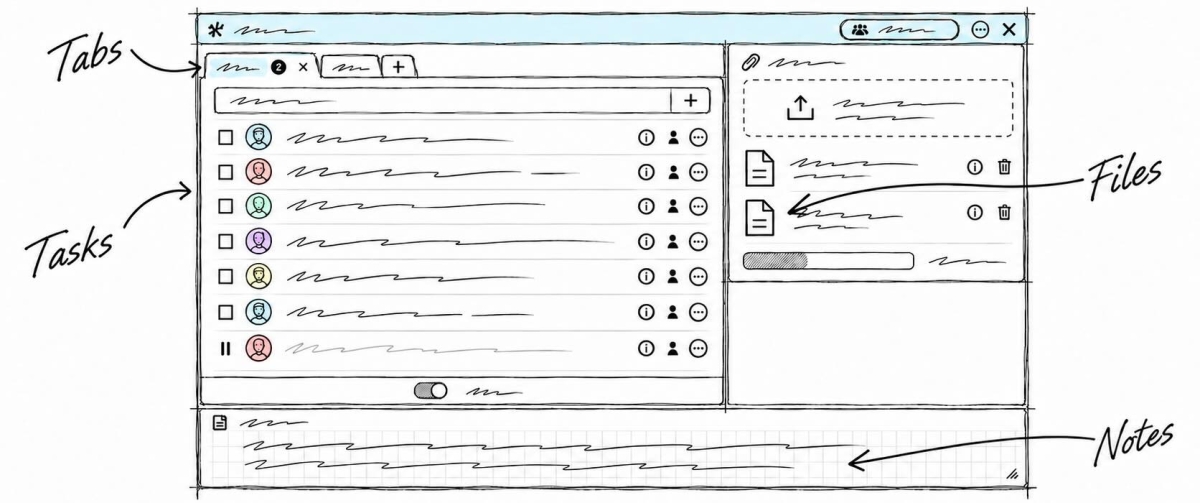
Inside each card, you set out the actions required:
prepare a viewing, request property survey reports, review supporting documents or forward an offer to the owner. Task assignments clarify who is responsible, while priorities distinguish urgent actions from checks to plan ahead. Notes and attachments bring together property details, viewing reports and transaction documents. You have a shared framework for coordinating sales negotiators, assistants and branch managers while retaining the specific details of every transaction you manage.
Example board for tracking your transactions
Here is a customisable configuration example for a team handling residential or commercial property sales and lettings. Each card corresponds to a separate transaction, with its own tasks and documents. The five suggested columns provide an overview of progress, while the six card types distinguish the services offered. You can adapt this framework to your organisation, your team members’ responsibilities and the specific characteristics of the properties entrusted to you.
Stages that match the way you work
In this example, the columns Valuation/Instruction, Viewings, File/Review and Negotiation show the progress of the property transactions managed by the team. The On hold column keeps paused transactions visible while awaiting supporting documents, someone’s availability or a response from the owner.

A few examples of project types: define your own!
- Residential sale: managing a residential sale, from the initial instruction to discussions with the buyer.
- Commercial property sale: marketing a property intended for business use.
- Lease premium : managing a transaction involving a premium for a commercial lease.
- Property onboarding: getting to know a new property.
- Residential letting: managing the letting of a residential property.
- Commercial letting : managing the letting of a property for business use.
Scenarios and workflow:
customise your project automation
1️⃣ The trigger
An apartment sale starts in Valuation/Instruction, then moves to Viewings. A buyer confirms their interest after viewing the property. The sales negotiator then moves the card to File/Review to prepare for the file review.
You can configure a scenario for the Residential sale type when a card enters the File/Review column. This combination triggers the creation of the tasks defined in your configuration. You choose the actions to create, their assignees and their priorities, based on how work is shared and the information needed to review this apartment’s file.
2️⃣ The actions (workflow)
Otilus automatically creates the tasks defined in the scenario:
- gather the available property survey reports
- record observations from the viewing
- check the buyer’s financing information
- prepare the points to clarify with the seller.
These actions are assigned to the selected team members:
the assistant gathers the documents, the sales negotiator clarifies the buyer’s expectations and the manager reviews any sensitive issues. You customise the tasks, their assignees and their priorities to suit your organisation.
3️⃣ The result
The apartment sale progresses with clearly defined actions and responsibilities. Each team member can find their tasks, viewing notes and documents, then carry out their checks.
The manager identifies missing documents and questions to clarify before continuing discussions with the parties.
The team remains in control of the review and discussions. When the available information allows discussions on terms to begin, the sales negotiator manually moves the card to Negotiation. If a property survey report is missing, they move the file to On hold to make this wait visible to the team.
An organisation suited to property transaction professionals
This organisation can also suit property finders, commercial property agencies, independent property agents and residential development sales teams. These professionals all manage individual files, coordinate viewings, gather documents and handle discussions between several parties. Card types can reflect the services offered, while stages follow the actual process. Each team can therefore adjust the board to its responsibilities, the characteristics of the properties and the pending items that sometimes slow down a sale or letting.
Coordinate your viewings, transaction files and negotiations on a board tailored to your team.
No credit card required